Installing a Linux Virtual Machine
VOLTTRON requires a Linux system to run. For Windows users this will require a virtual machine (VM), a docker container, or a WSL2 environment
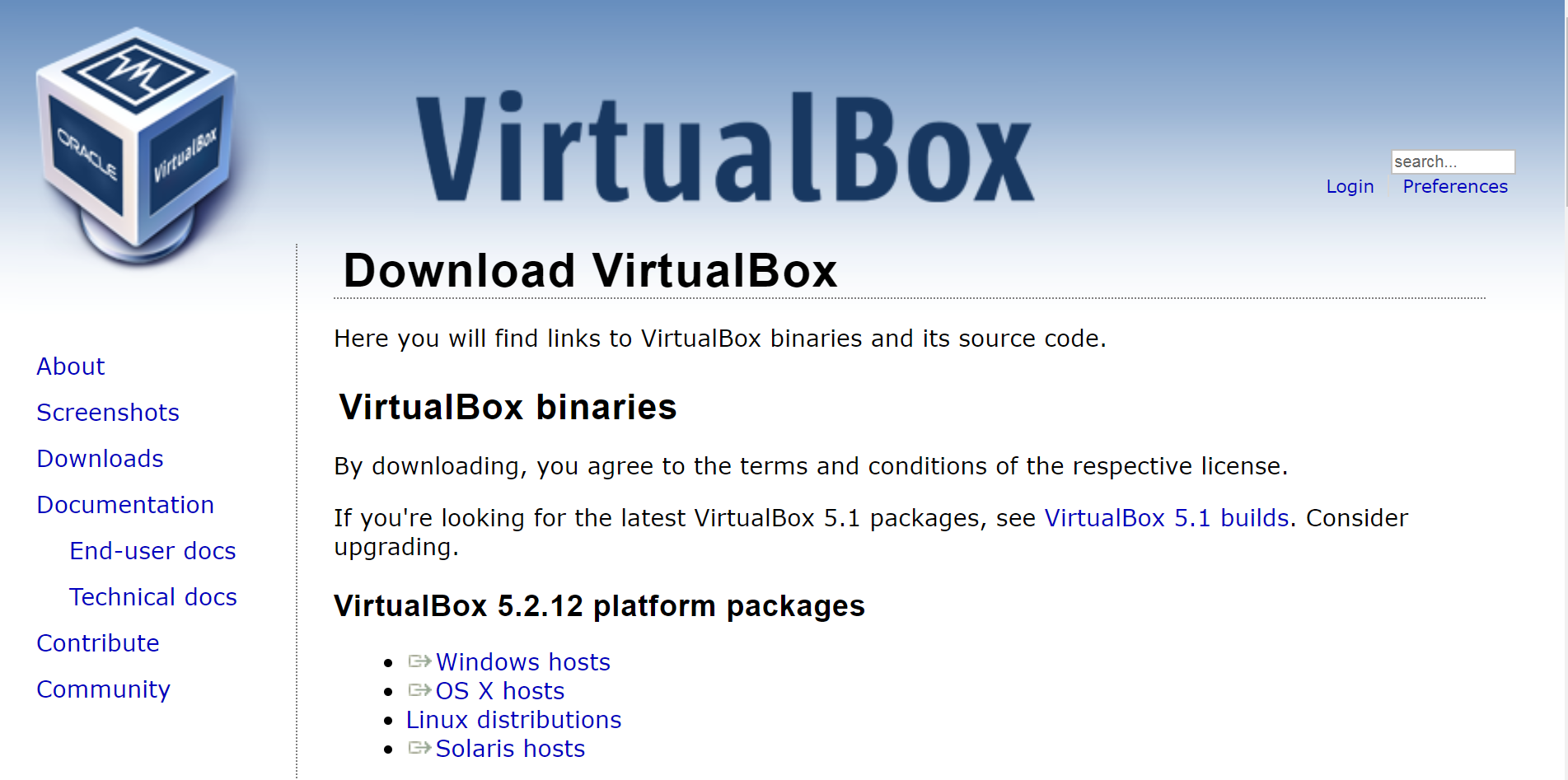
This section describes the steps necessary to install VOLTTRON using Oracle VirtualBox software. Virtual Box is free and can be downloaded from https://www.virtualbox.org/wiki/Downloads.
After installing VirtualBox download a virtual box appliance from https://www.osboxes.org/ extract the VDI from the downloaded archive, or download a system installation disk. VOLTTRON version 10.x has been tested using Ubuntu 22.04. However, any modern apt based Linux distribution should work out of the box.
Linux Mint 19.3 with the Xfce desktop is used as an example, however platform setup in Ubuntu should be identical.
Note
A 32-bit version of Linux should be used when running VOLTTRON on a system with limited hardware (less than 2 GB of RAM).
Adding a VDI Image to VirtualBox Environment

The below info holds the VM’s preset username and password.

Create a new VirtualBox Image.

Select the amount of RAM for the VM. The recommended minimum is shown in the image below:

Specify the hard drive image using the extracted VDI file.

With the newly created VM selected, choose Machine from the VirtualBox menu in the top left corner of the VirtualBox window; from the drop down menu, choose Settings.
To enable bidirectional copy and paste, select the General tab in the VirtualBox Settings. Enable Shared Clipboard and Drag’n’Drop as Bidirectional.

Note
Currently, this feature only works under certain circumstances (e.g. copying / pasting text).
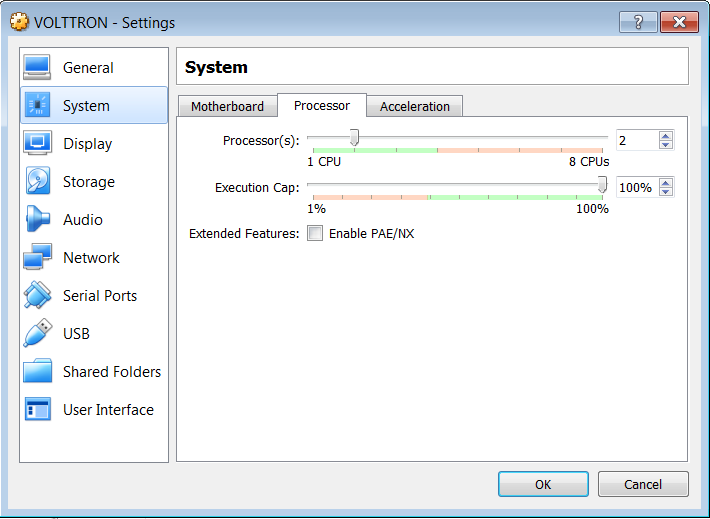
Go to System Settings. In the processor tab, set the number of processors to two.
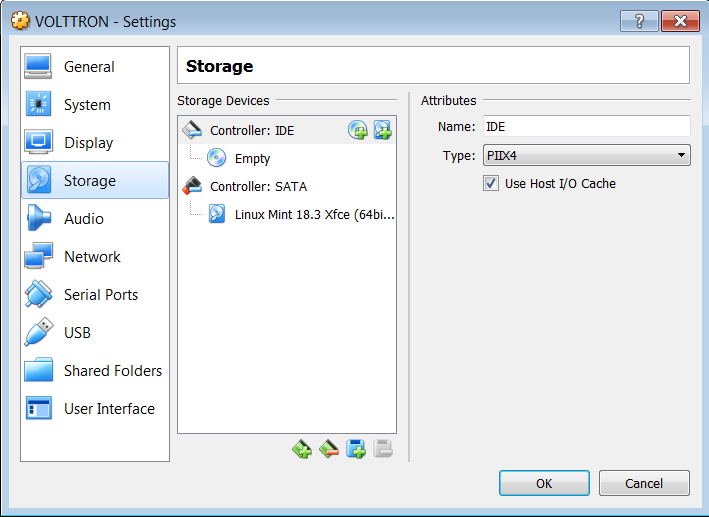
Go to Storage Settings. Confirm that the Linux Mint VDI is attached to Controller: SATA.
Danger
Do NOT mount the Linux Mint iso for Controller: IDE. Will result in errors.
Start the machine by saving these changes and clicking the “Start” arrow located on the upper left hand corner of the main VirtualBox window.
Install VOLTTRON pre-requisites
Once you login into your virtual machine, install VOLTTRON pre-requisite softwares in your linux environment. VOLTTRON requires the following software
python 3.10 (official version tested)
git
python3-venv
poetry >=2.0.1
Ubuntu-22.04 comes with python 3.10 and git.
If not installed, use the command
sudo apt install python3.10to install python3.10If not installed, use the command
sudo apt install gitto install gitInstall python venv for python 3.10 using the command
sudo apt-get install python3.10-venvVOLTTRON uses poetry for dependency management. For development environments, it is required that you install poetry, and use poetry commands to create virtual environment and install volttron source packages
Run the command `` curl -sSL https://install.python-poetry.org | python3 -`` to install poetry on Ubuntu
Add poetry install directory to your PATH. Open .bashrc file in your home directory and add the following command with the correct path to your home directory
export PATH="<path to your home dir>/.local/bin:$PATH"Source .bashrc (only for the first time) -
source ~/.bashrcUpdate poetry configuration to set the default location of poetry virtual environments -
poetry config virtualenvs.in-project true